
Few upgrades reshape a living room as quickly as a wall mounted television. Floor space opens up, tangled cords disappear, and the room takes on a clean, deliberate look. Approached with a plan, the project fills a single afternoon comfortably. Approached carelessly, it invites a crooked screen, torn drywall, or a television on the floor. The steps below cover the process the way a professional installer would.
What Do You Need to Mount a TV
Preparation prevents most mounting headaches, so gathering supplies first pays off. The essentials include a wall mount rated for the size and weight of the television, a stud finder, a power drill with correct bits, a socket or wrench for the lag bolts, a level, a tape measure, and a pencil. A second set of hands makes lifting far safer and is strongly recommended for anything larger than a modest screen.
How Do You Choose the Right TV Mount
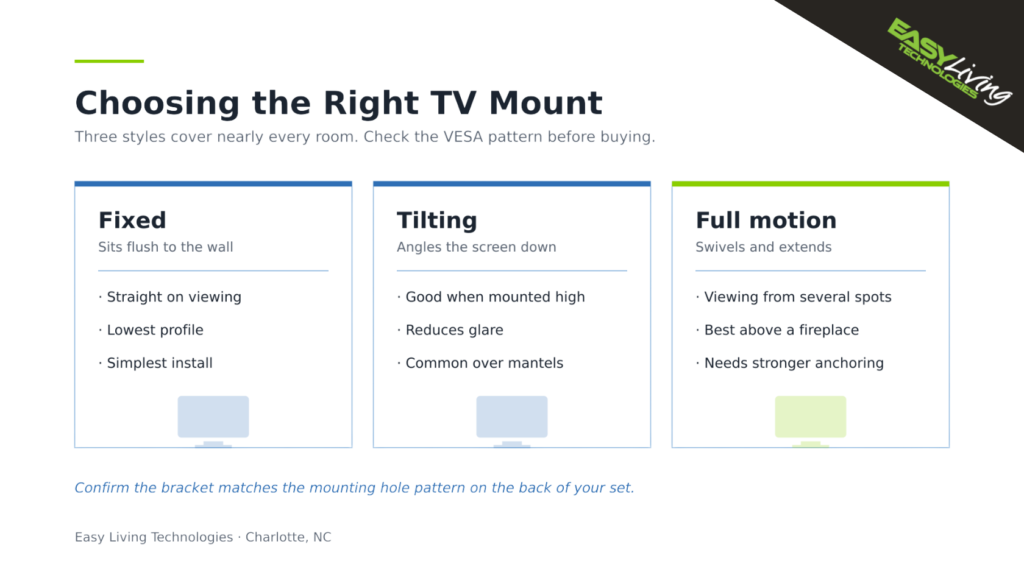
Three mount styles cover nearly every room. A fixed mount holds the screen flush against the wall and suits straight on viewing. A tilting mount angles the screen downward, which helps considerably when the television sits high. A full motion mount swivels and extends for spaces viewed from several directions. Before buying, confirm the bracket matches the mounting hole pattern on the back of the set, a standard maintained by VESA.
How to Mount a TV Step by Step
Locate and Mark the Studs
Run the stud finder across the wall and mark the center of each stud. On drywall, the mount must anchor into studs rather than the board alone, since drywall cannot carry the load. Hold the bracket at the intended spot, level it carefully, and mark the drill points through its holes. Brick or concrete walls call for masonry anchors instead.
Set the Correct Viewing Height
Comfort depends heavily on height. As a general rule, the center of the screen should land near seated eye level, often around 42 inches from floor to center for a standard sofa. Mounting too high ranks among the most frequent regrets and leads to neck strain over time, a point reviewers at Consumer Reports raise often. Sitting in the usual viewing spot before committing to a height is time well spent.
Attach the Bracket and Hang the Screen
Drill the pilot holes, then fasten the wall plate firmly with the lag bolts, taking care not to overtighten and strip the anchor. Attach the matching plate to the back of the television using the correct screws. With a helper, lift the set onto the wall plate and confirm the locking mechanism has fully engaged before letting go.
Can You Install a TV Above a Fireplace
Yes, though this installation deserves extra thought and ranks among the most requested in the Charlotte area. Two concerns dominate. Heat rising from the firebox can damage electronics, so measuring the mantel temperature during use and allowing adequate clearance matters. Height is the other issue, since a screen placed above a mantel usually sits well past comfortable eye level, which is why a tilting or full motion mount is nearly always the right choice here. Brick and stone also require masonry anchors and a hammer drill rather than standard hardware. Homeowners uncertain about heat exposure or masonry work are generally better served by professional TV mounting in Charlotte NC than by improvising.
How Do You Hide TV Cables
A polished result comes down to the cords. Routing cables through an in wall management kit, or concealing them inside a paintable cover, separates a professional installation from an obvious weekend project. CNET publishes useful comparisons of cable management options for different wall types. Anyone planning a full home theater installation should map the cable path before drilling anything.
Common TV Mounting Mistakes to Avoid
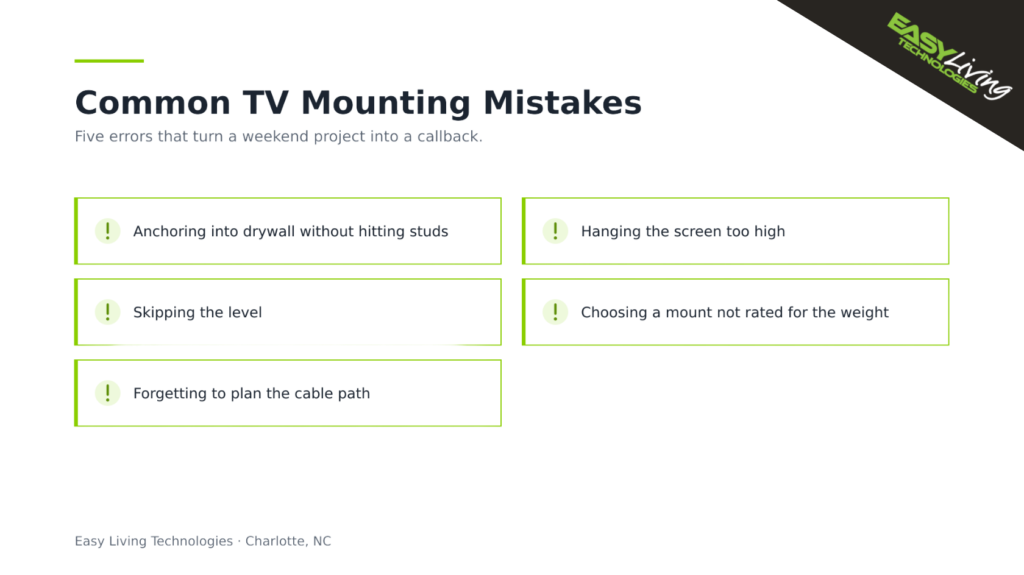
- Anchoring into drywall without hitting studs, the leading cause of fallen televisions.
- Hanging the screen too high, which causes neck strain during long viewing.
- Skipping the level and living with a visibly crooked picture.
- Choosing a mount not rated for the weight of the set.
- Forgetting to plan the cable path before drilling.
When Should You Hire an Installer
Some installations reward expert help, including mounting above a fireplace, working with brick or stone, running cables inside a finished wall, or handling a large, heavy screen. Serving Charlotte, Kannapolis, and the surrounding area since 2015, Easy Living Technologies handles residential technology installations of every size. Homeowners who would rather skip the guesswork can book a service visit and have the job done securely the first time.