
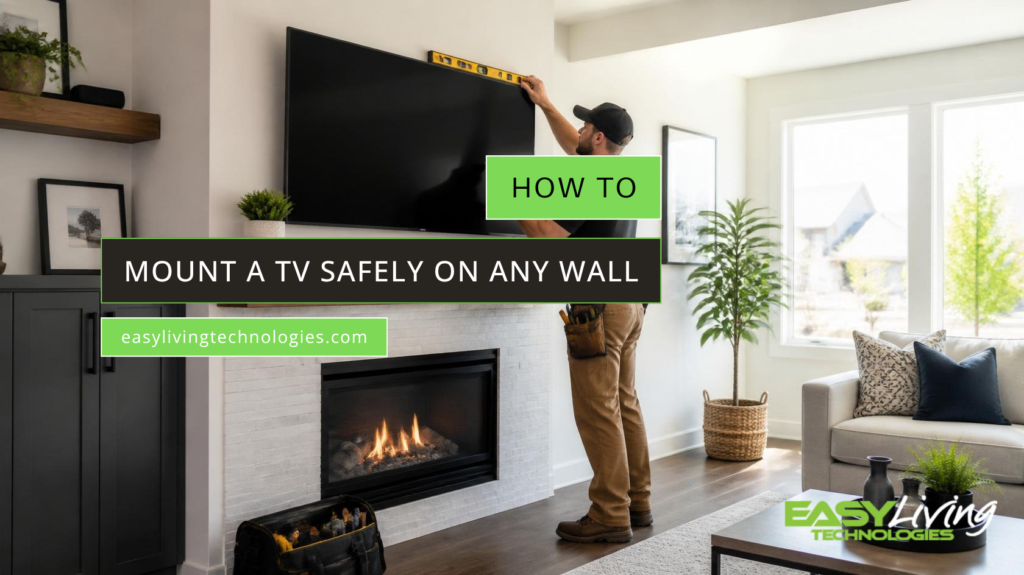
Few upgrades transform a living room as quickly as a wall mounted television. Floor space opens up, tangled cords vanish, and the whole room takes on a clean, intentional look. Approached with a plan, the project fills a single afternoon. Approached carelessly, it risks a crooked screen, torn drywall, or a television on the floor. The guidance below walks through each stage the right way.
Tools You Need
Preparation prevents most mounting headaches, so gathering the essentials first pays off. A suitable wall mount rated for the television size and weight comes first, along with a stud finder, a power drill with the correct bits, a level, a tape measure, and a pencil. A second set of hands makes lifting far safer and is strongly recommended.

Choosing a Mount
Three mount styles cover most situations. A fixed mount holds the screen flush and suits straight on viewing. A tilting mount angles the screen downward, which helps when the television sits high on the wall. A full motion mount swivels and extends for rooms viewed from several spots. Confirm the bracket matches the VESA hole pattern on the back of the set, a standard explained well by VESA.
Step by Step
Find the Studs
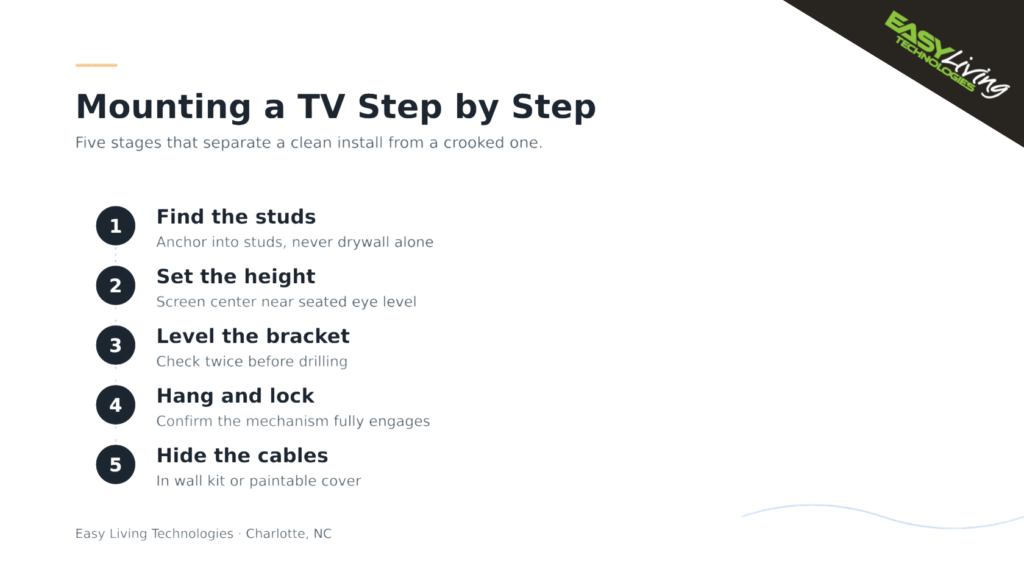
Run the stud finder across the wall and mark the center of each stud. On drywall, the mount must anchor into studs rather than the board alone. Hold the bracket at the chosen spot, level it carefully, and mark the drill points through its holes.
Set the Height
Comfort depends heavily on height. As a general rule, the center of the screen should land near seated eye level, often around 42 inches from floor to center for a standard sofa. Mounting too high is a frequent mistake that leads to neck strain, a point echoed by reviewers at Consumer Reports.
Hang and Secure
Drill the pilot holes, fasten the wall plate firmly with the lag bolts, then attach the matching plate to the television. With a helper, lift the set onto the wall plate and confirm the locking mechanism is fully engaged before letting go.
Hiding the Cables
A polished result comes down to the cords. Routing cables through a management kit inside the wall, or concealing them in a paintable cover, separates a professional look from an obvious weekend job. CNET offers helpful comparisons of cable management options.
Common Mistakes
Several errors turn up again and again: anchoring into drywall without hitting studs, hanging the screen too high, skipping the level, choosing an underrated mount, and forgetting to plan the cable path before drilling. Overtightening the bolts is another quiet mistake, as it can strip the anchor and weaken the hold. Each of these is easy to avoid with a little forethought and patience.
Calling a Pro
Some installations reward professional help, such as mounting above a fireplace, working with brick or stone, or handling a large, heavy screen. Easy Living Technologies provides trusted TV mounting in Charlotte NC, and homeowners who prefer a flawless, secure result are welcome to reach out.